Leave the laptop side of stage.
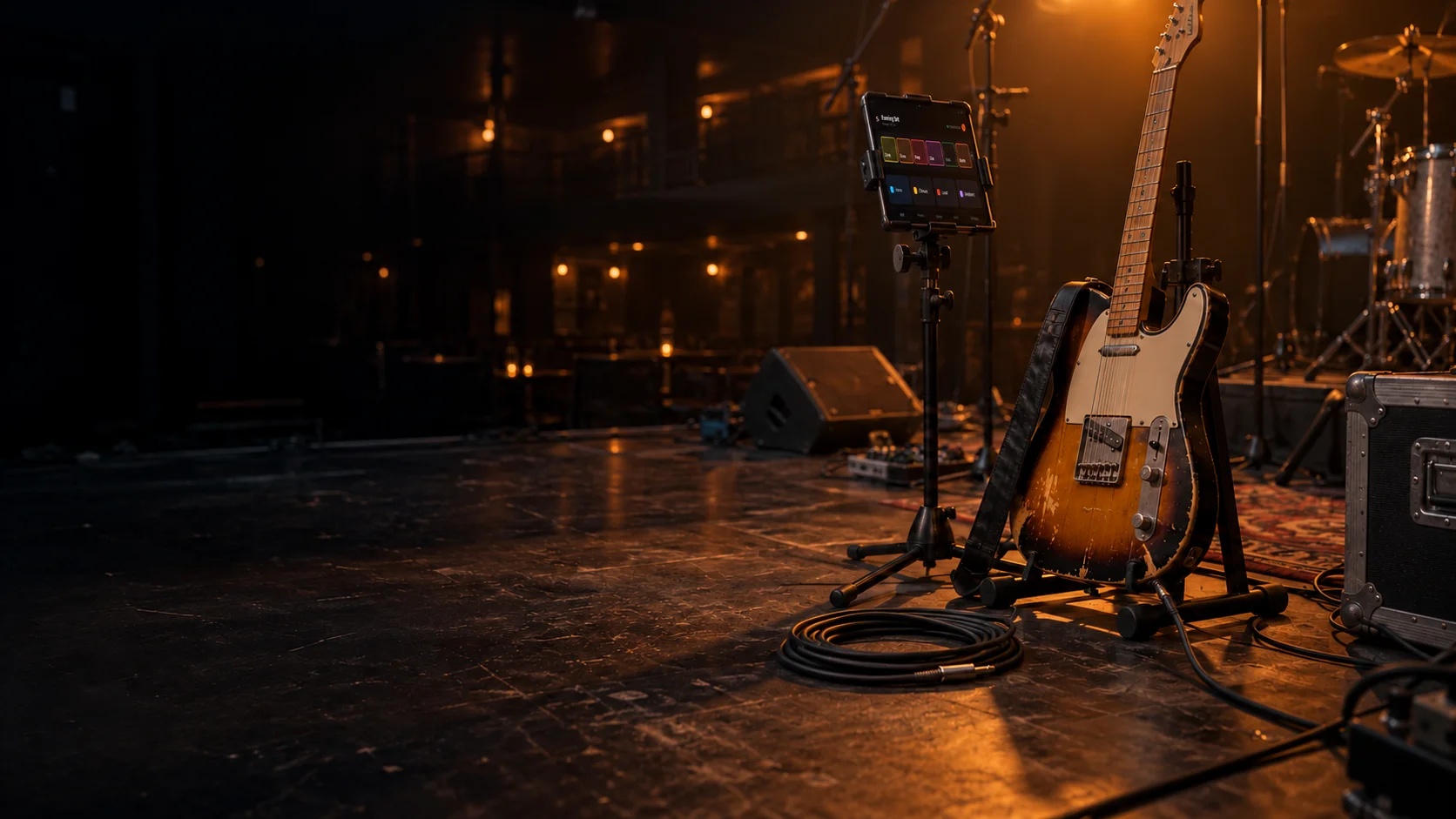
Stagecoil puts the controls for Helix Stadium Native on an iPad at your mic stand. Switch snapshots, bypass blocks and adjust settings while Native and your audio stay on your Mac or Windows PC.
Ask to join testingPrivate testing on Mac and Windows. Not on sale yet.
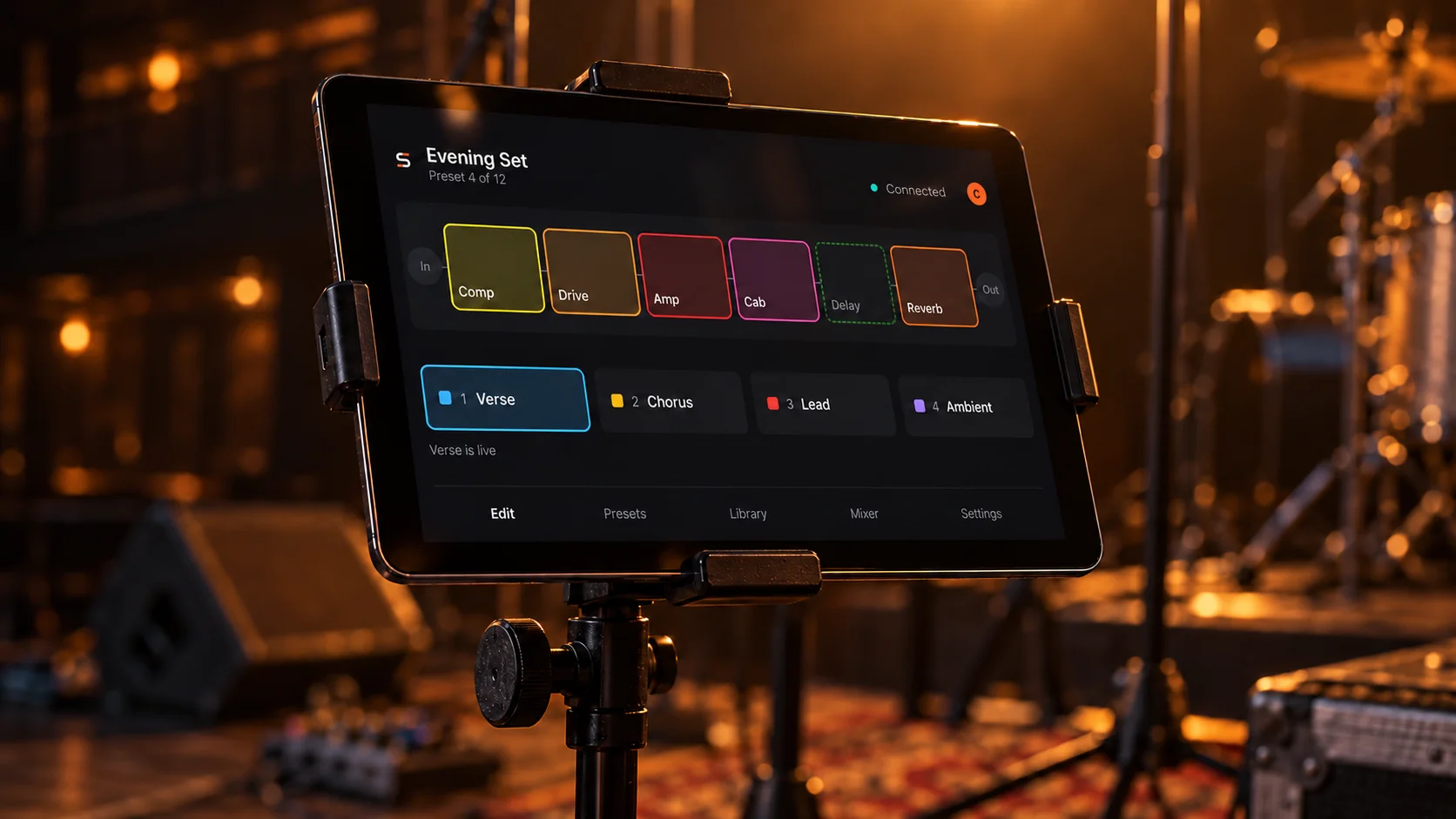
The preset you're playing, on one screen.
Presets, snapshots, block settings and the mixer are all in the app. Changes go to Native on your computer, and the screen updates when Native reports back, so a patchy connection can't leave the wrong snapshot lit.

- In
- Comp
- Drive
- Amp
- Cab
- Delay (bypassed)
- Reverb
- Out
Verse is live
- A Snapshots
- Named the way you named them in Native. Tap one in the illustration and it shows as sent, then lights when Native replies.
- B Signal chain
- Tap a block to bypass it or open its settings. Build and rearrange chains before the gig, because adding or swapping blocks can interrupt audio.
- C Connection
- Tells you whether your computer is answering. If the tablet drops off, Native carries on playing. Once you're back, check the preset before you edit. Stagecoil won't replay changes it couldn't confirm.
Simplified illustration of the iPad app.
Your guitar signal never touches the tablet.
- Audio path: guitar to the audio interface, to Helix Stadium Native on a Mac or Windows PC, back out through the interface to the PA and monitors.
- Native runs in Stagecoil Companion, or in a DAW inside the Stagecoil insert.
- The tablet connects to that computer over Wi-Fi, or over USB on iPad and iPhone, and sends control only. No audio passes through it.
- A MIDI footswitch connects to the computer.
Standalone
Stagecoil Companion hosts Native directly on your Mac or PC. If the computer is only there for your guitar, this is the simpler rig.
In your DAW
Add the Stagecoil plug-in to a track and it loads your installed copy of Native inside it. The DAW handles audio, monitoring and MIDI, and the tablet controls that insert. Start with a new Stagecoil insert, because it can't take over a Native insert that's already in your project.
Keep your MIDI footswitch on the floor for the changes you make by feel. The tablet is for reading names and the signal chain, and for anything a pedal can't reach.
Native isn't included. You need your own installed and activated copy of Helix Stadium Native, and Stagecoil loads it unchanged.
Build each song as one preset.
Put the verse, chorus and lead in that preset's snapshots and switch between them as you play. Leave preset changes for between songs. Native can go quiet for a moment while it loads a preset.
Some delay tails also stop short on a snapshot change. That's how Native handles snapshots. Play the set through at rehearsal and you'll know where it happens.
What you need
Stagecoil is in private testing. Tell us about your rig and we'll check that the current build fits it.
- Computer
- An Apple silicon Mac or 64-bit Windows PC with an audio interface. Native and the audio run on the computer.
- Helix Stadium Native
- Your own installed and activated copy. Stagecoil checks the installed version before it allows changes.
- Tablet
- An iPad or Android tablet for control at the stand. Tell us which one you use when you ask to test.
- DAW (optional)
- Tell us which DAW you use. Stagecoil also has its own desktop host if you play without one.
Try it with your rig.
Testing is private for now. Email your Mac or PC, audio interface, Native version and DAW, and we'll check it against the setups we've tested.
Email about testing